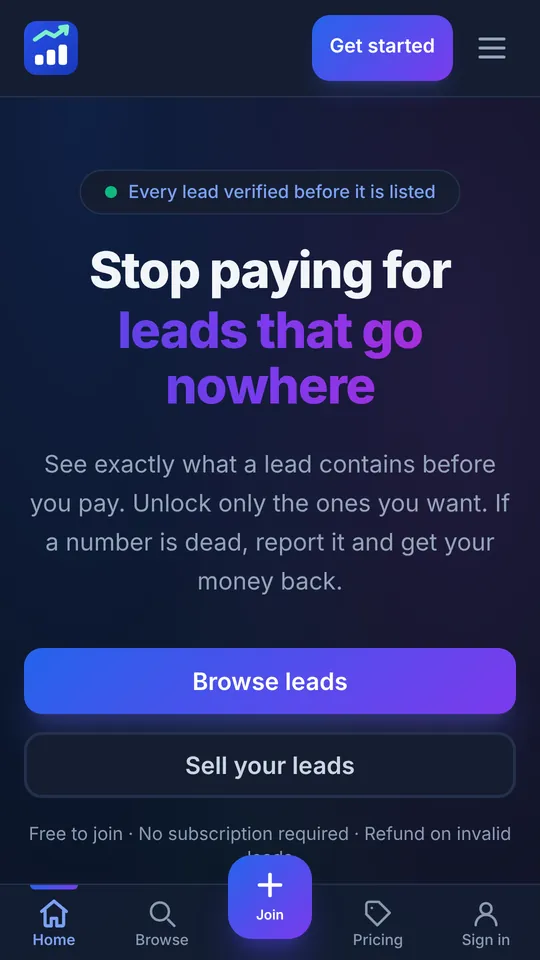

Get the app
Same account everywhere. Your leads, wallet and alerts on your phone.
Android
Coming soon to Google Play.
iPhone and any other phone
Install it from your browser. It opens full-screen like a normal app.
- iPhone (Safari): tap Share → Add to Home Screen.
- Android (Chrome): tap ⋮ → Install app, or use the button below.
Add LeadHub to your home screen
It opens full screen, with no browser bar.
- 1 Tap the Share button The square with an arrow, at the bottom of Safari.
- 2 Choose "Add to Home Screen" Scroll down the list if you do not see it.
- 3 Tap Add The icon appears with your other apps.